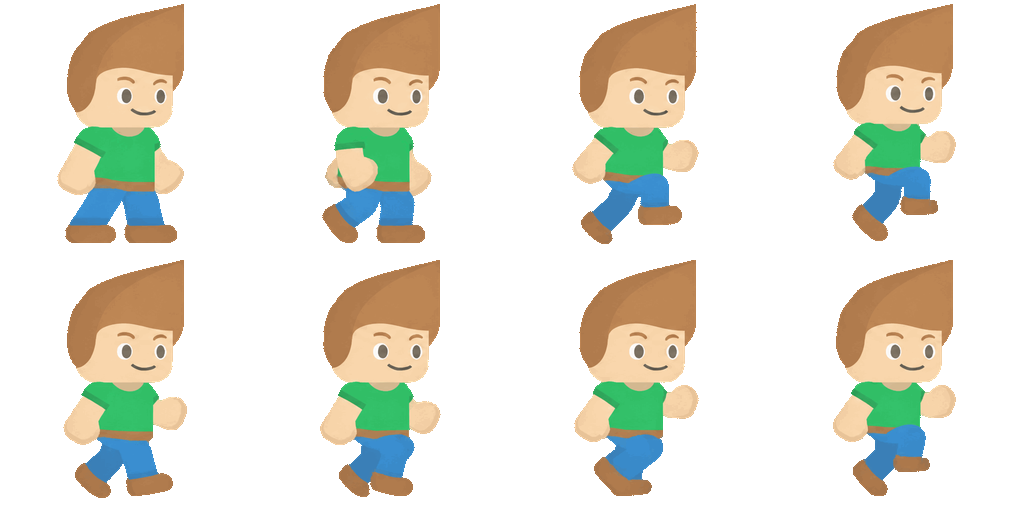

Pack Hand-Drawn Frames
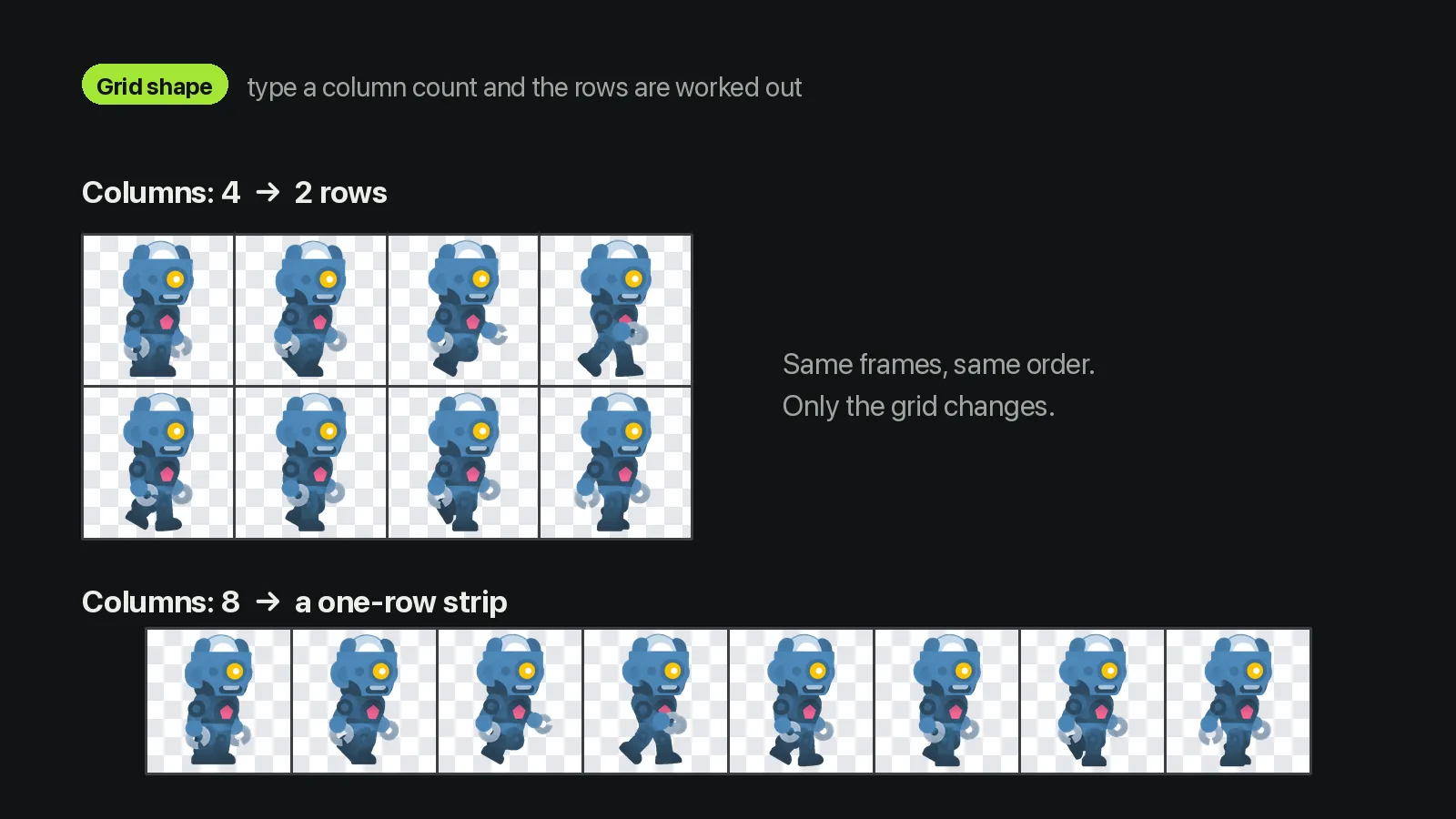
A pixel artist exports eight walk frames, sets 8 columns, and imports a single strip with its atlas.
Examples
- Walk cycles
- Attacks
- Idles
- Effects
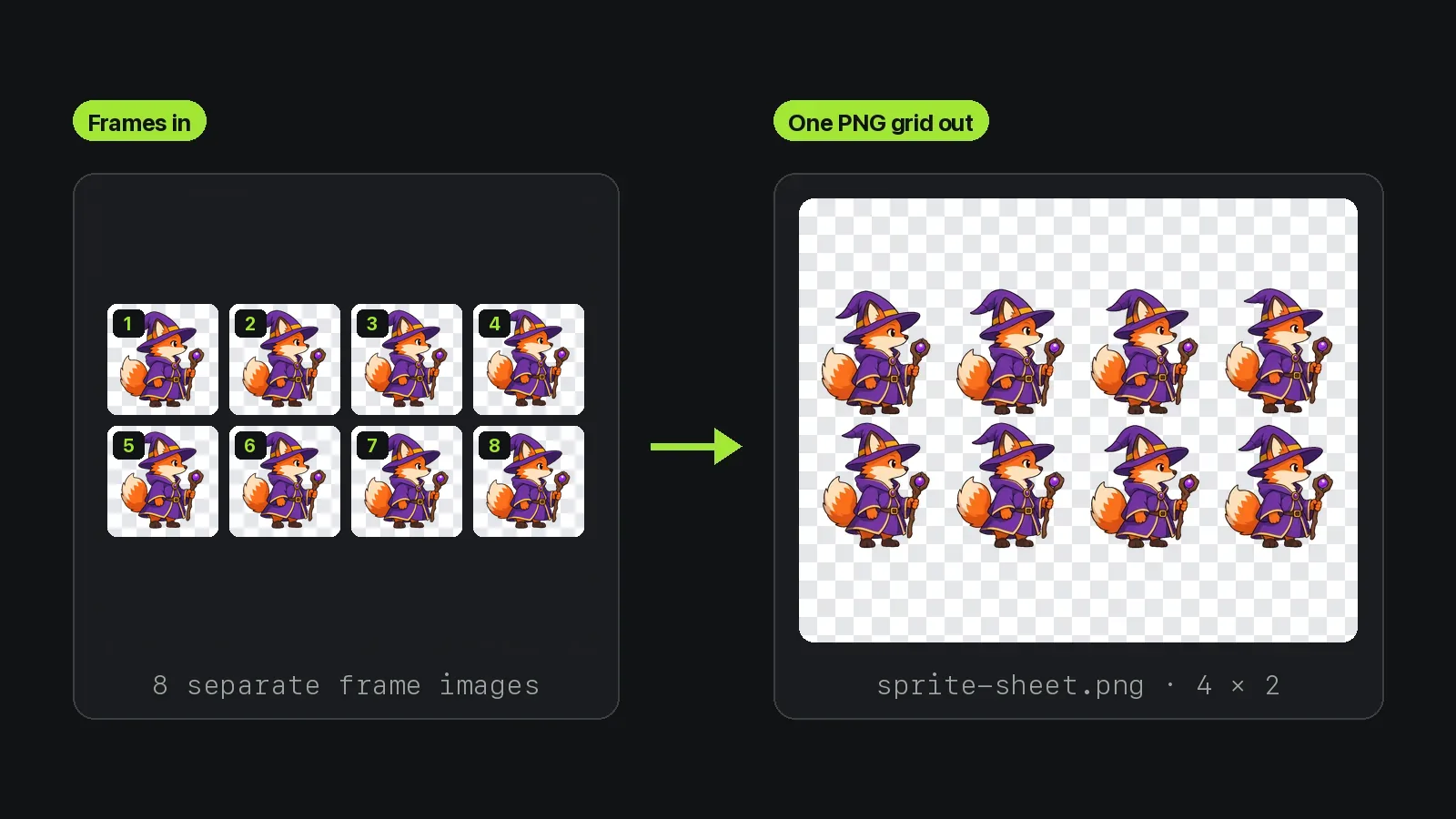
The sprite sheet maker takes separate frame images and lays them on one PNG grid, in the order of your file list, with a JSON atlas that records where each frame sits. You choose the columns and the rows follow, so 10 frames at 4 columns make 3 rows with two empty cells at the end. Padding adds the same gap between cells, none around the edge. It doesn't trim, rotate or tightly pack frames. JPEG frames work too, but JPEG has no transparency, so use PNG or WebP for sprites that need a transparent background.
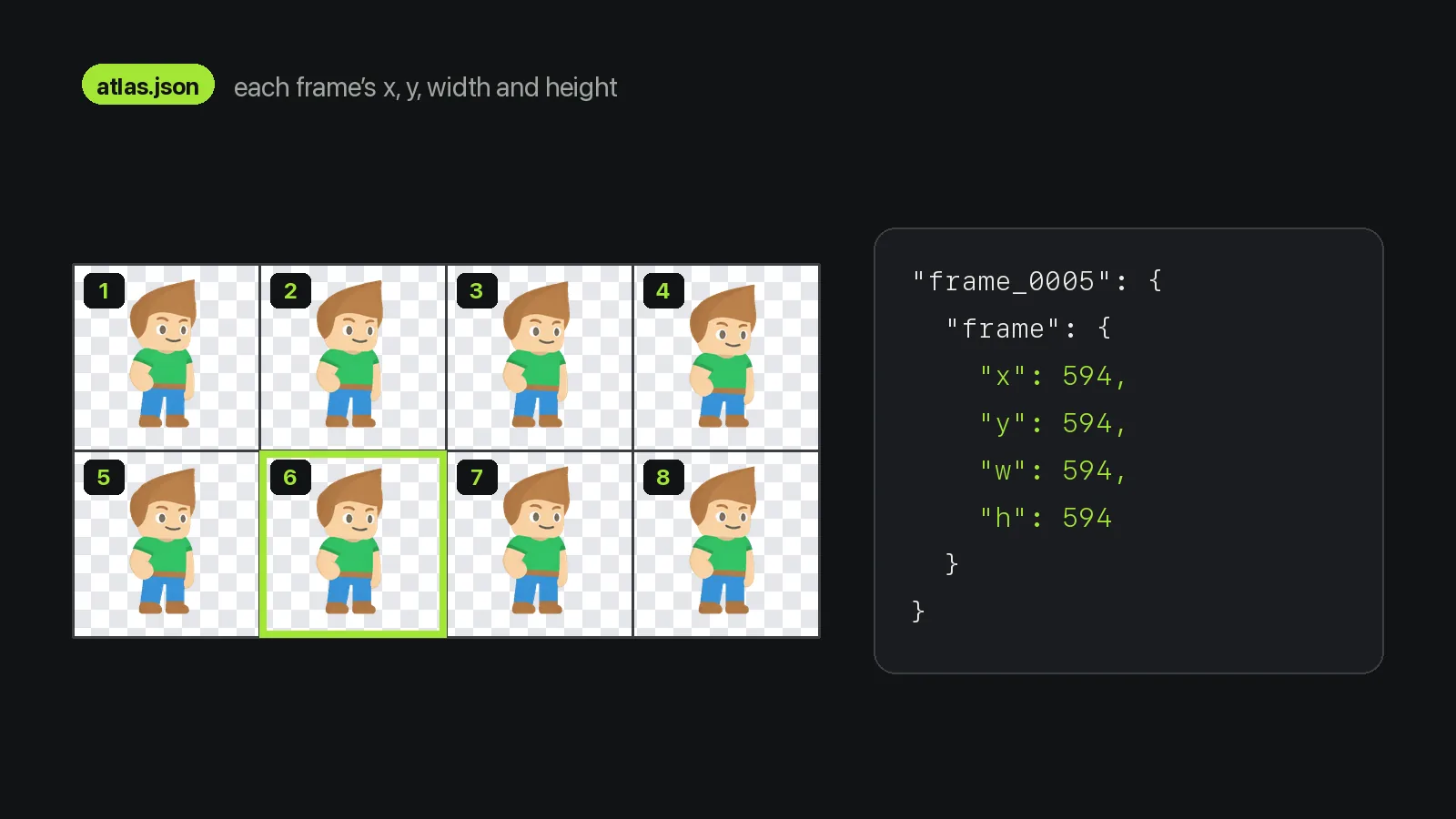
You set the frame order and grid shape; the atlas records the result.
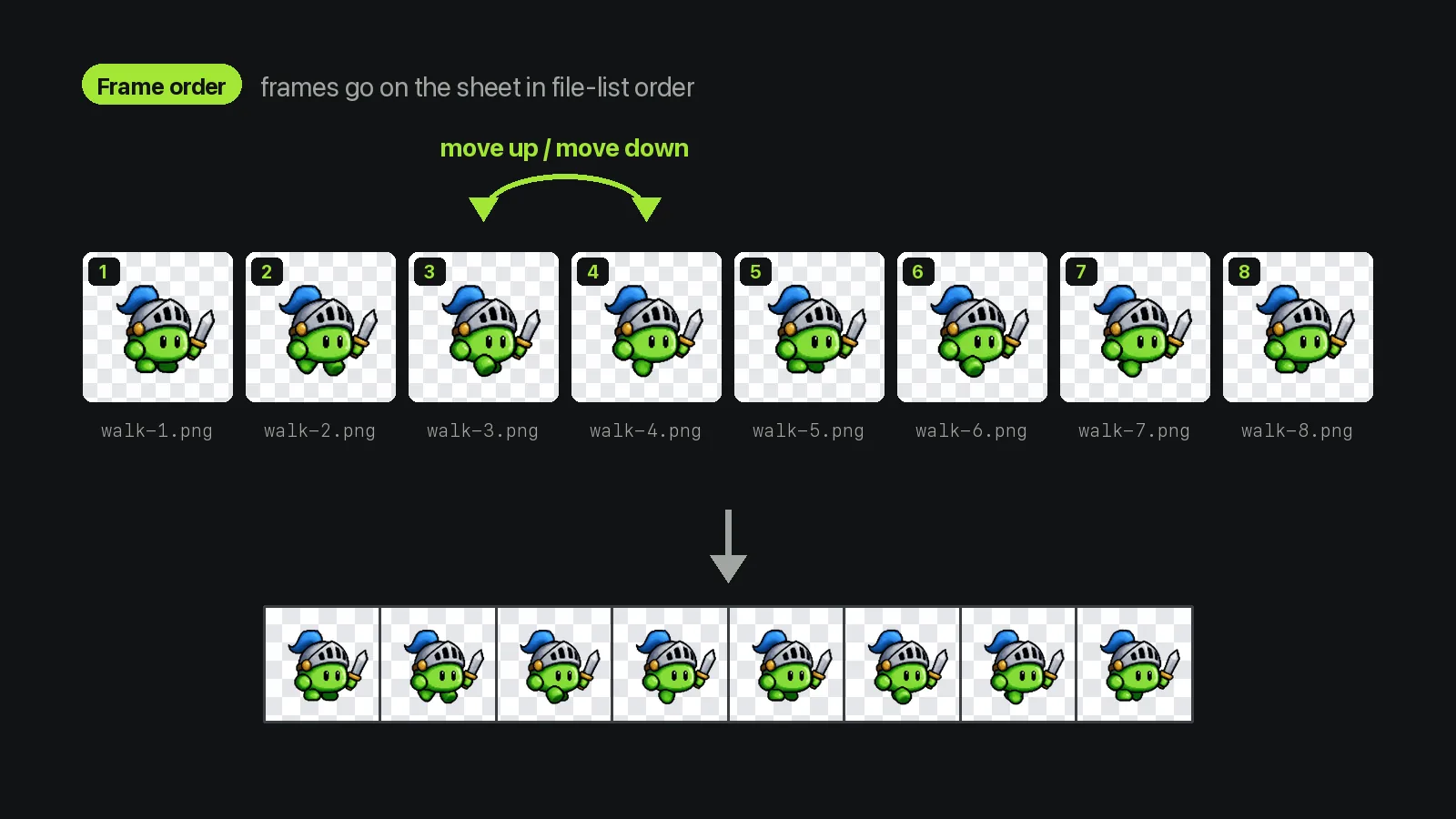
Frames go on the sheet in file-list order. Move any file up or down before converting.
Up to 60 Files
20 MB in total.
Up and Down Arrows
Reorder without renaming files.
Reading Order
Left to right, then the next row.
Frames in, one sheet out.
Mix all three formats on one sheet.
Transparent pixels in PNG and WebP frames stay transparent.
No scaling and no recompression.
Cut a sheet, repack with the same column count and no padding, and you get the original back.
Room for long strips and icon sets, up to 16 million pixels.
Packing happens in your browser tab; your art is never uploaded.
Jobs that would otherwise mean lining up frames by hand.
A pixel artist exports eight walk frames, sets 8 columns, and imports a single strip with its atlas.

A developer renders a spinning coin in Blender as 12 PNG frames and packs them into a sheet 4 columns wide.

An RPG developer loads twelve frames and sets 3 columns, which gives 4 rows, one per facing direction.

A web developer packs 24 icon PNGs into 6 columns and reads each icon's position from atlas.json.

An indie developer cuts apart a walk loop made with the AI generator, redraws two frames, and repacks all eight.

A teacher has students draw frames in any paint app and assemble them in the sprite sheet maker.
The sprite sheet maker needs your frames and a column count.
Drop in up to 60 PNG, JPEG or WebP files, or press “Try sample”.
Fix the order with the arrows, type the columns, and add padding if your engine wants gaps.
Press Convert, turn on “Show grid” to check the boxes, then save sprite-sheet.png and atlas.json.
Frame order, sizes, engines and privacy.
A sprite sheet maker joins many frame images into one image, so a game engine loads a single file and plays frames from it. This one builds a regular grid from up to 60 images and writes a JSON atlas with each frame's position.
By default, yes: frames of different sizes halt the conversion with a message. Turn on “Center mixed sizes in the largest cell” and every cell takes your largest frame's size, with smaller frames centered.
The sprite sheet maker places frames in file-list order, left to right and then row by row. After adding files, move any frame with the up and down arrows. The atlas keys frame_0000, frame_0001 and onward follow the same order.
Untested so far. The sprite sheet maker exports a plain PNG grid, so in an engine's grid slicer you enter the frame size and columns × rows shown after converting. atlas.json also lists each frame's x, y, width and height.
No. The sprite sheet maker doesn't support trimming or tight packing: it keeps every frame at full size on a plain grid and exports PNG and JSON only. That also rules out Friday Night Funkin' mods, which need an XML atlas.
Yes. The sprite sheet maker is free, needs no account, uses no credits and adds no watermark. Each sheet takes up to 60 images and 20 MB in total.
No. The sprite sheet maker packs your images in a Web Worker inside the browser tab, so they never go to a server. The page only records that the tool ran, never the files.
The sprite sheet maker works from still frames, so for an animated GIF use GIF to Sprite Sheet in the tools menu, which reads frames and timings for you. With no frames at all, the AI generator on our home page draws an 8-frame walk or idle loop.
Tools that pair with the sprite sheet maker.

A free sprite sheet maker that lays frame images on one PNG grid with a JSON atlas.
Files stay in your browser. · PNG, JPEG or WebP · up to 60 files, 20 MB total