
Put a GIF Character in Unity
A solo Unity developer slices the sheet in the Sprite Editor by the columns and rows shown.
Examples
- Idle loops
- Grid slicing
Two jobs done for you, plus a way to start without a GIF.

Many GIFs only redraw the part that moves. The GIF to sprite sheet converter rebuilds every frame in full, so no cell comes out half empty.

Every frame keeps its own GIF delay, even a long hold, and the atlas stores it next to the frame's position.

No GIF of your character? The AI Sprite Generator on our home page turns one image or a short description into an 8-frame walk or idle loop.
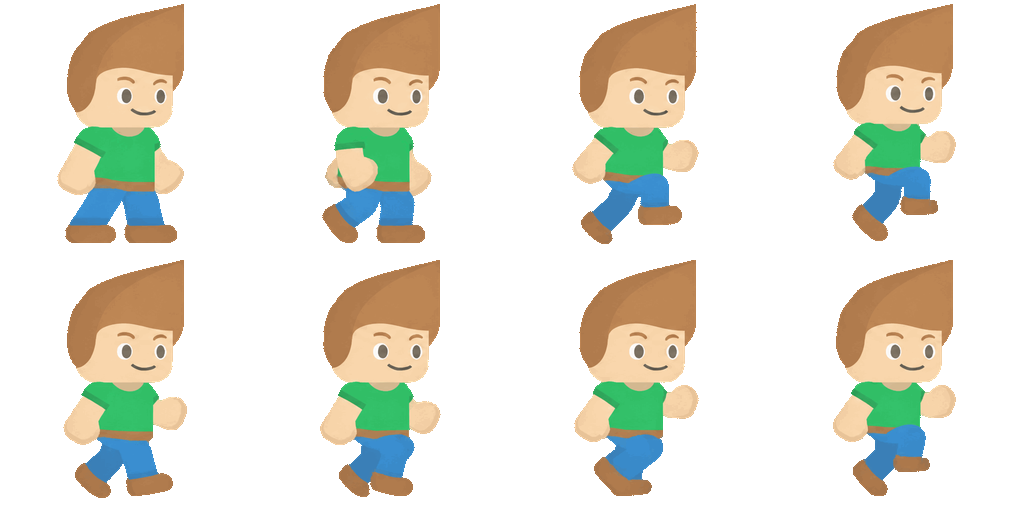
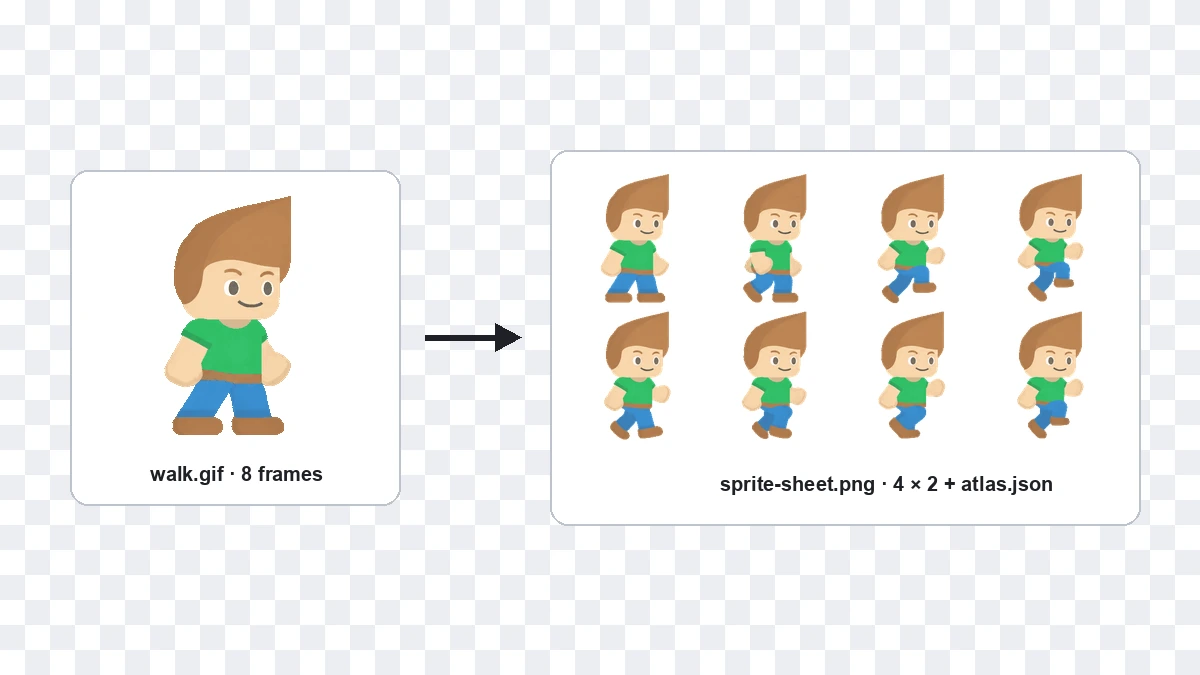
A GIF to sprite sheet converter lays the frames of an animated GIF side by side on one PNG grid, so an engine or CSS animation can play them cell by cell. Most engines expect a sheet like this, not a GIF, so you convert first and import second. Each frame is rebuilt at full size and copied without resizing, so pixel art stays sharp, and atlas.json records every frame's rectangle and delay. We tested this on a real 8-frame GIF: cutting the finished sheet along the atlas gave back the same 8 frames.
Two settings in, two files out, and the numbers your engine asks for.
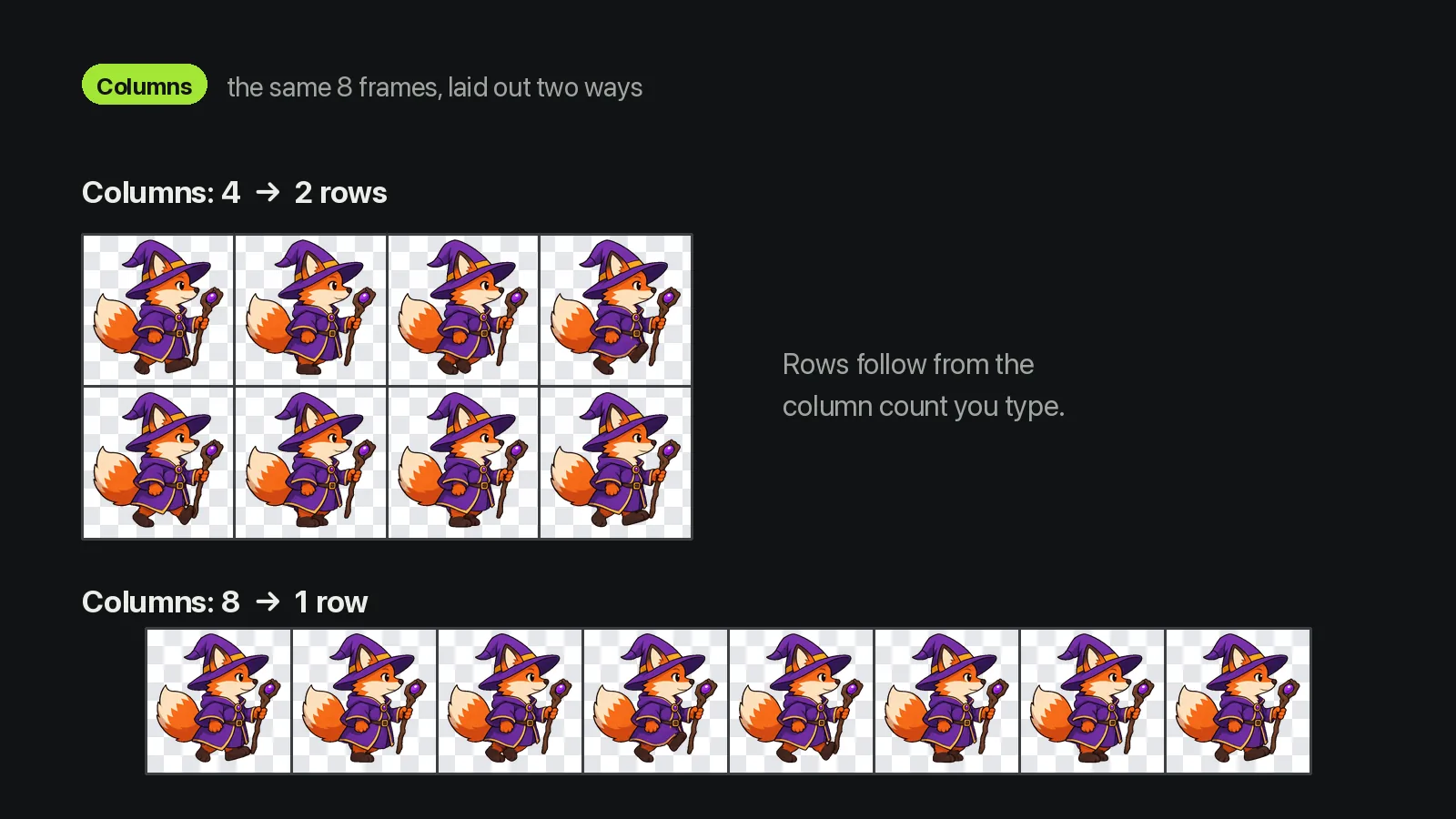
Choose columns and the gap between cells; rows follow.
Columns
Default 4, any whole number.
Padding
Between cells, not around the edge.
Rows
Frames ÷ columns, rounded up.
What happens to every GIF you drop in.
One GIF per run, or the built-in 4-frame sample.
Enough frames for long idle and walk loops.
Per-frame delays are saved in atlas.json, so uneven holds survive.
Clear pixels stay clear, so the sheet sits on any background.
Everything happens in your browser.
No account, credits or install.
Six ways people use it.
A solo Unity developer slices the sheet in the Sprite Editor by the columns and rows shown.

A Godot hobbyist loads the sheet into SpriteFrames with the grid and frame size from the import panel.

A front-end developer turns a loading GIF into a sheet for a pausable CSS animation.

An animator converts a reference GIF and reads each frame's delay from atlas.json.

A modder moves old GIF explosions into a current engine, one file at a time.

A jam team runs placeholder GIFs through the GIF to sprite sheet converter to hit the deadline.
Everything happens on this page: the GIF to sprite sheet conversion runs in your browser.
Choose one animated GIF, or press Try sample.
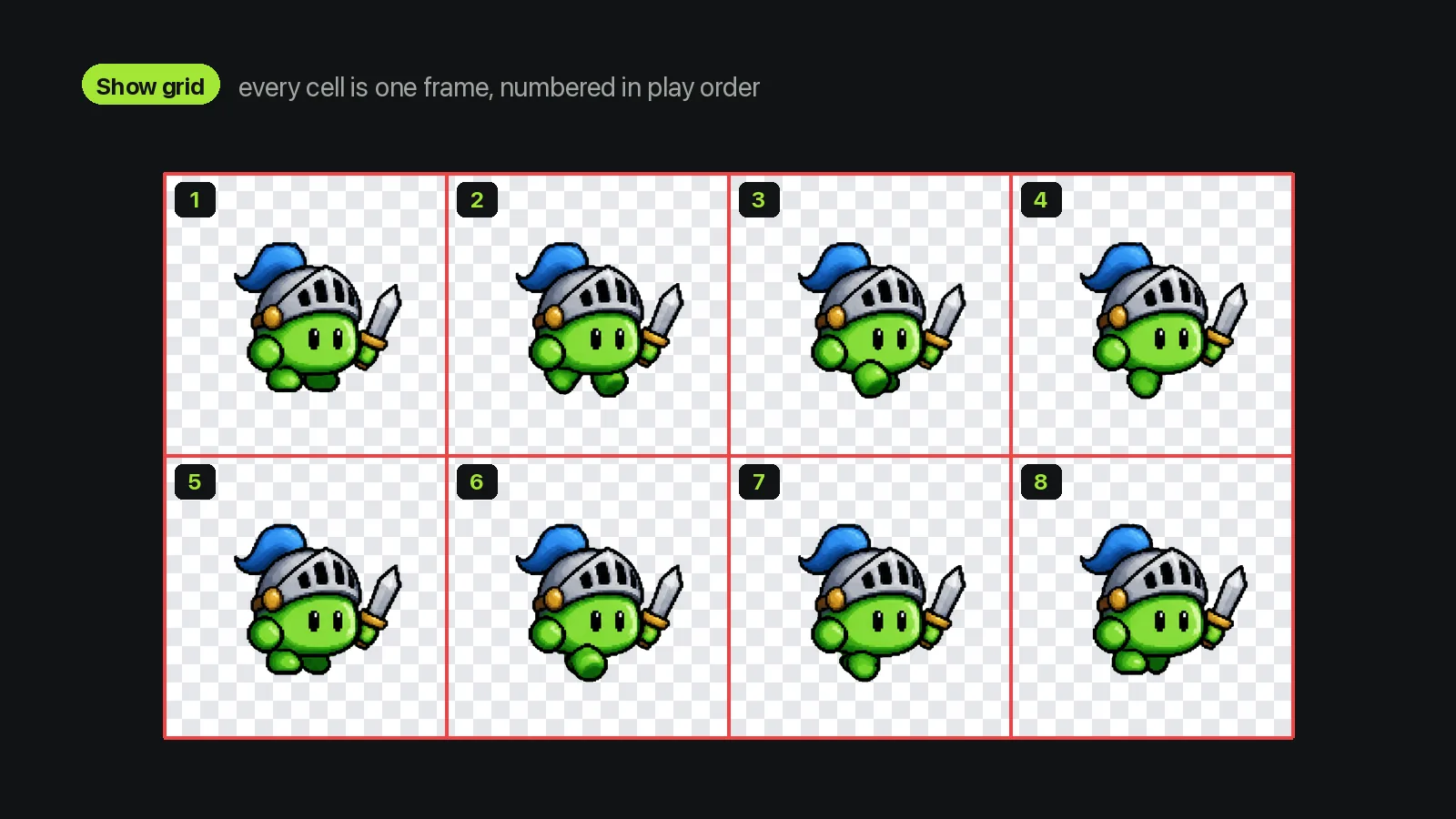
Set columns and padding, press Convert, then turn on Show grid to check the cells.
Save sprite-sheet.png and atlas.json for your engine or CSS.
Files, limits, timing and engines for the GIF to sprite sheet converter.
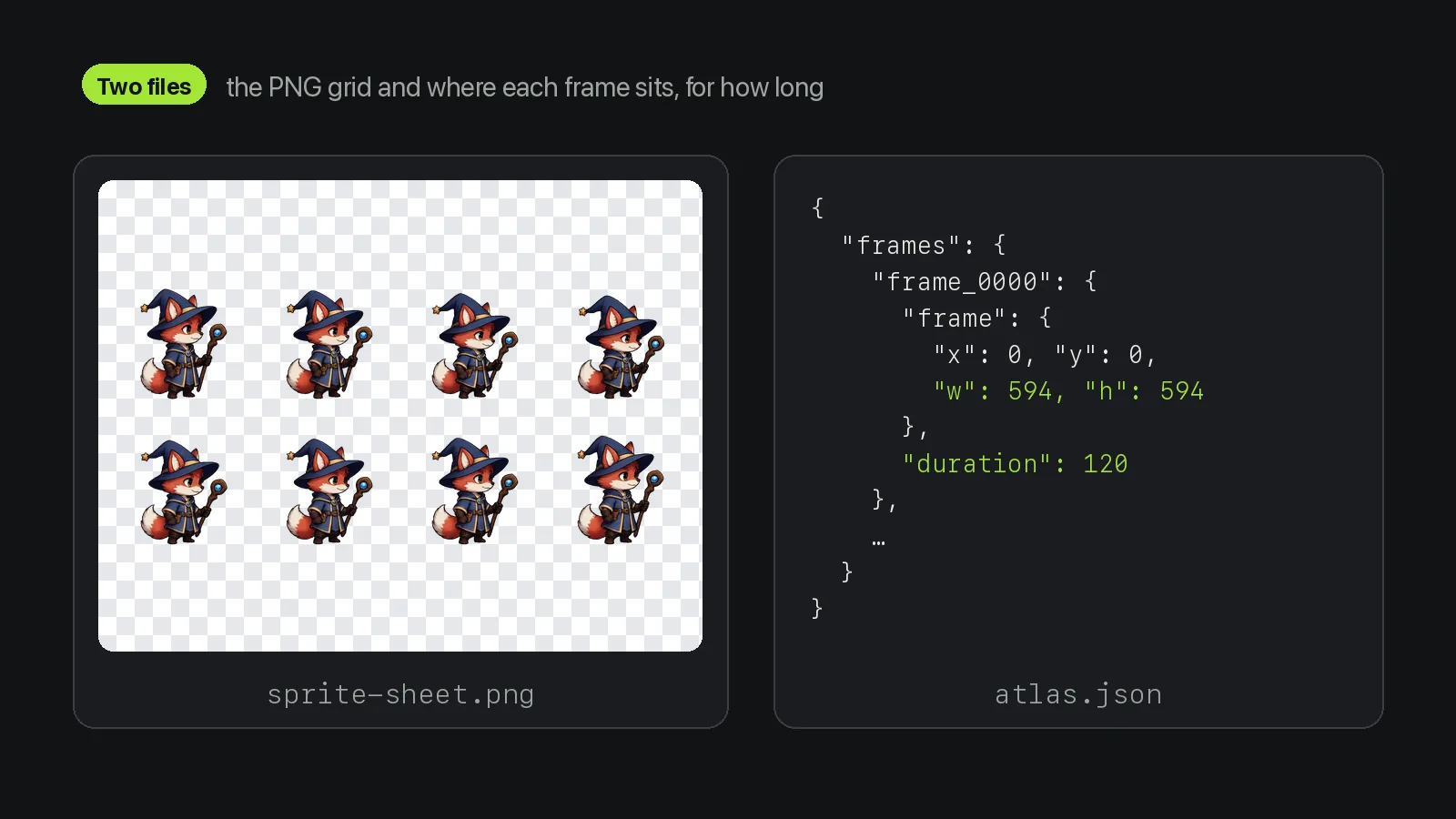
The GIF to sprite sheet converter gives you two files: sprite-sheet.png, with every frame at the GIF's own size, and atlas.json, with each frame's x, y, width, height and delay in milliseconds.
Yes, and you don't need an account, credits or an install. Only the AI Sprite Generator on our home page asks you to sign in.
No. The GIF to sprite sheet converter runs entirely in your browser, so the file never leaves your device. We only log that the tool was used.
The GIF to sprite sheet converter accepts one GIF of up to 20 MB, with up to 120 frames, no side over 1,600 px and no more than 12 million pixels in total. The finished sheet must stay under 16 million pixels.
Very likely, though we haven't tested it in either engine. The output is a plain PNG grid with equal cells, which Unity's Sprite Editor and Godot's SpriteFrames can both slice by column and row count.
The converter only takes animated GIFs, one at a time, so convert APNG, WebP or video first. There's no batch mode, you can't drop, reverse or resize frames, and colours stay within the GIF's 256.
An image editor makes you place each frame and note timing by hand. Our GIF to sprite sheet converter places the frames, saves the timing in JSON and shows the slice numbers. Editors still win for retouching.
Make one with the AI Sprite Generator on our home page and skip the GIF to sprite sheet step. Upload a character image or describe it, pick walk or idle, and get an 8-frame GIF, a 4 × 2 PNG sheet and a JSON atlas.
To go the other way, use Sprite Sheet to GIF. To split a sheet into PNG frames, use Sprite Sheet Cutter; to pack loose frames, use Sprite Sheet Maker.

The GIF to sprite sheet converter turns an animated GIF into a PNG grid of every frame plus a JSON atlas with each frame's position and duration.
Files stay in your browser. · GIF · up to 20 MB