AI Sprite Generator

AI Sprite Generator: Walk & Idle Game Sprites

Upload one character image or describe the character in a sentence, pick walk or idle, and the AI sprite generator returns an 8-frame loop as a GIF, a PNG sprite sheet and a JSON atlas. Built for indie game developers.

What the AI Sprite Generator Makes

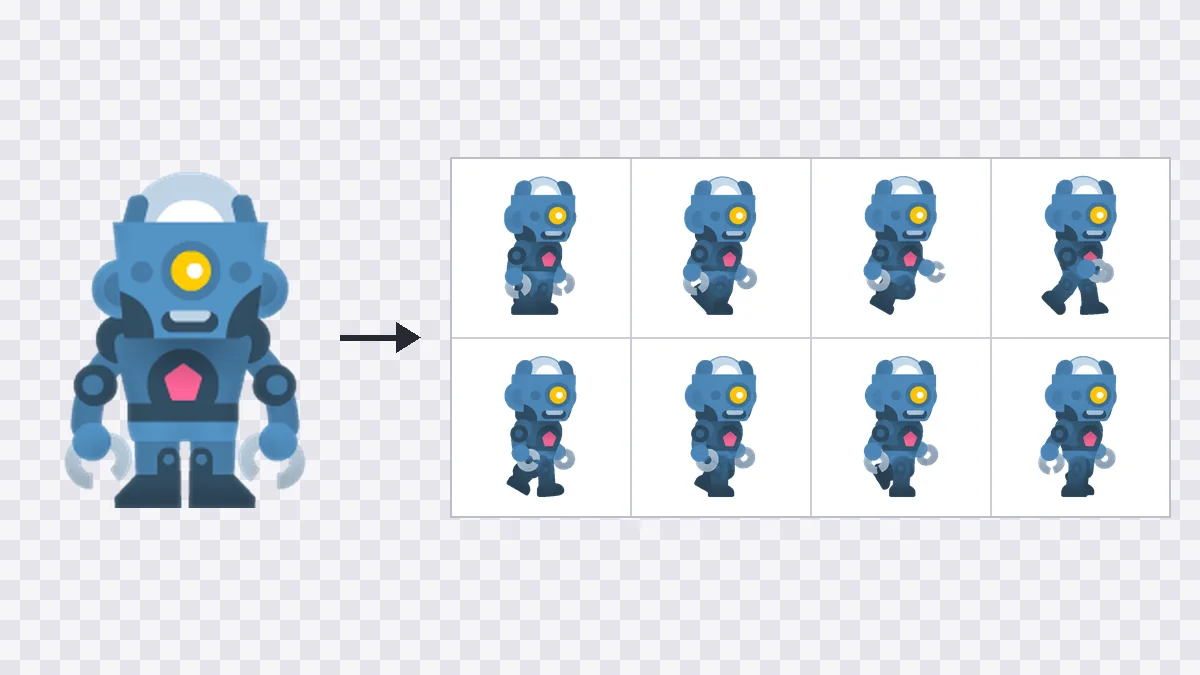
An AI sprite generator turns a character into animation frames that a game engine can play. This one makes a single thing: an 8-frame walk or idle loop, drawn in side view facing right, where the last frame flows back into the first. Start from an image (PNG, JPEG or WebP, up to 10 MB) or from a description of up to 500 characters. Frames come on a transparent background. The download holds a GIF, a PNG sprite sheet and a JSON atlas, so the sheet is ready to slice. It does not make single static images, tilesets, or run, jump and attack animations.

AI sprite generator: front-facing robot image beside its 8-frame side-view walk sheet
One Google sign-in

Sign Up and Try the AI Sprite Generator

  • Free starter credits when you sign up with Google
  • Failed or blocked generations are not charged
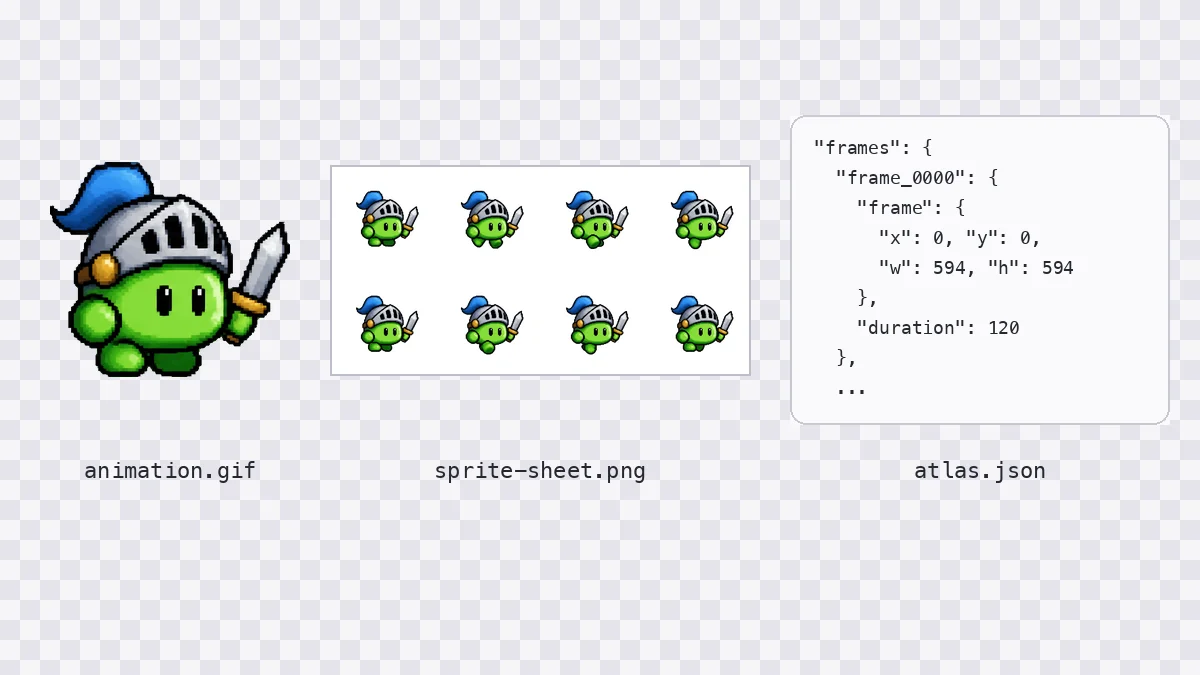
  • GIF, PNG sheet and JSON atlas in every download

Two Ways In, Three Files Out

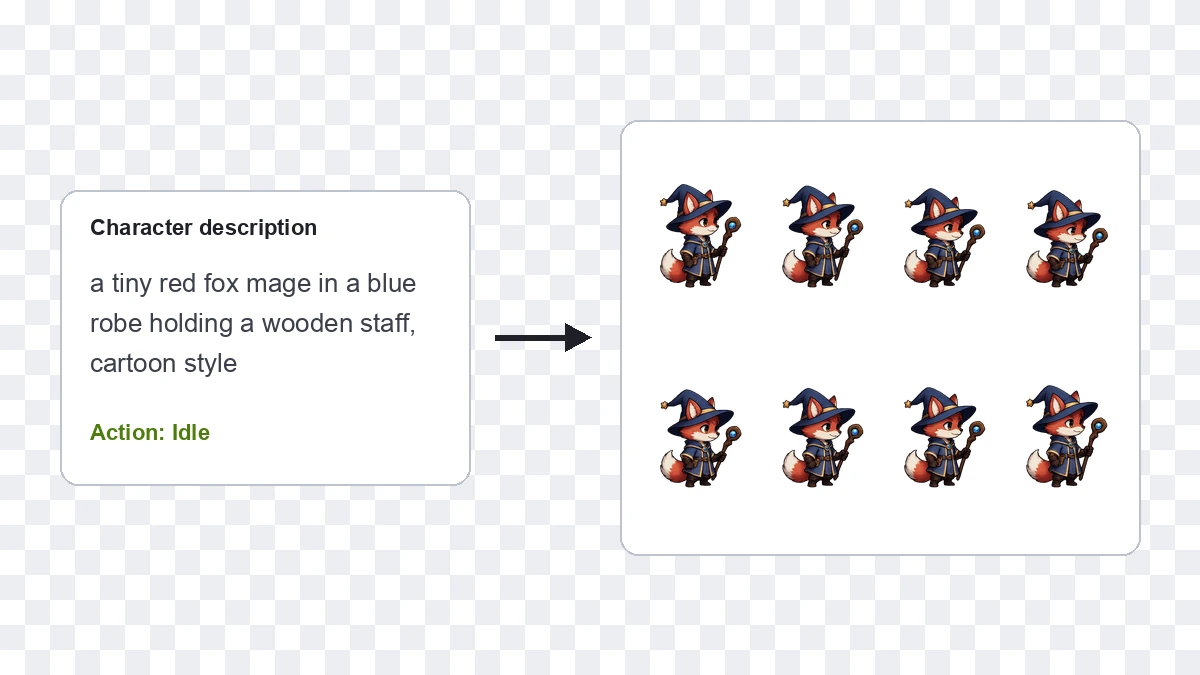
Start from an image or from a description. Either way the AI sprite generator returns the same 8 frames and the same three files.

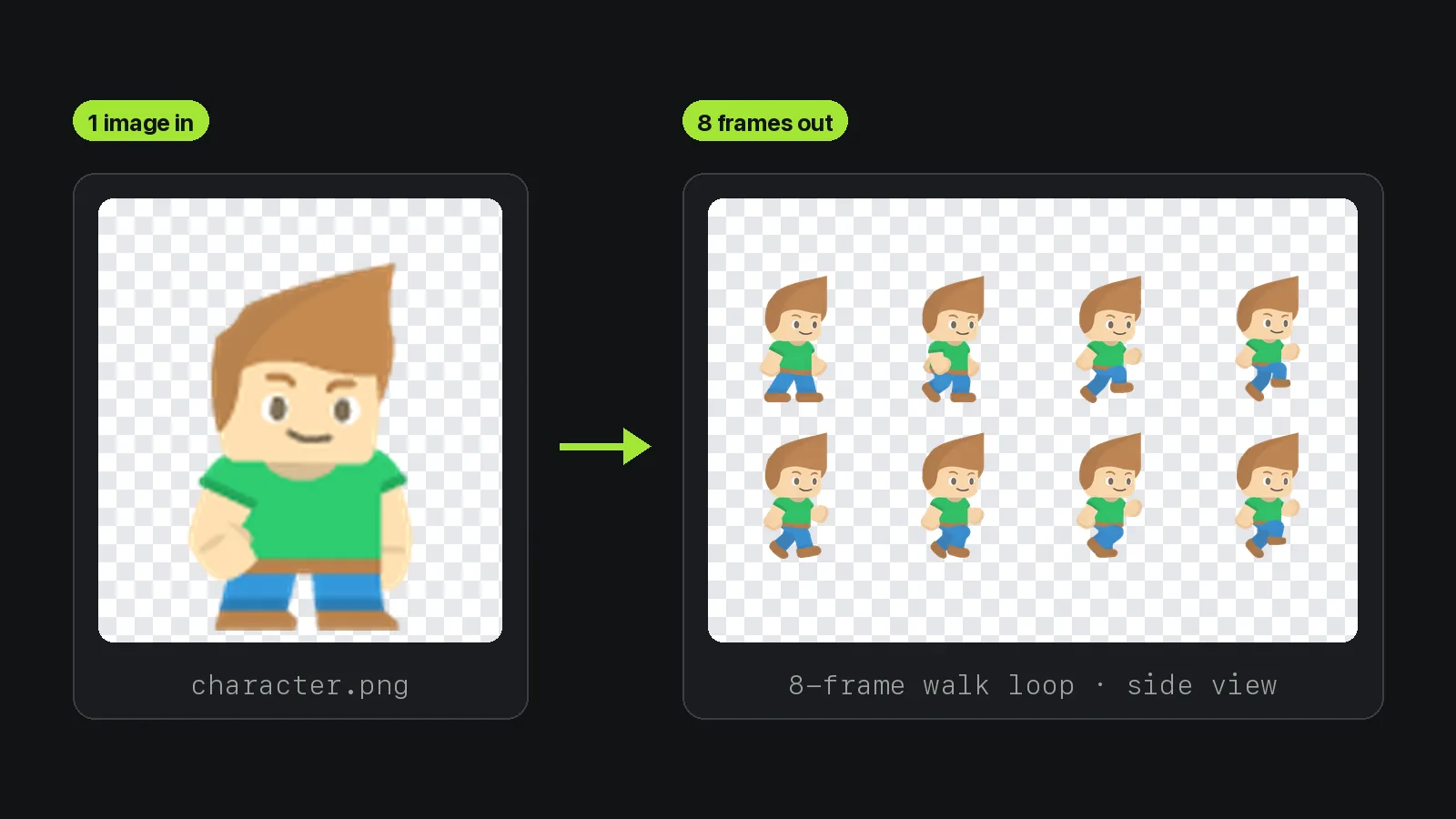
AI sprite generator: one character image beside the 8-frame side-view walk loop it produced

Animate a Character You Already Have

Upload one picture of your character and choose walk or idle. The AI sprite generator redraws the character from your image as a side-view loop, so a front-facing drawing comes back in profile.

Specs

  • One Image In

    PNG, JPEG or WebP, up to 10 MB.

  • Optional Note

    Add a note of up to 200 characters, or leave it empty.

  • Side-View Result

    The character faces right and moves in place.

Output Specs

Fixed numbers you can type straight into an engine. The sheet uses the same grid on every run.

01Frames

8 Frames at 120 ms

Every loop from the AI sprite generator has 8 frames, and each frame plays for 120 ms, or about 8.33 frames per second.

02Size

512×512 Transparent Frames

Each frame is 512×512 pixels on a transparent background, so the character sits over any level art.

03Sheet

4×2 PNG Sprite Sheet

The sheet measures 2376×1188 pixels: eight 594×594 cells, each holding one 512×512 frame with padding.

04Atlas

JSON Atlas per Sheet

The atlas lists x, y, w, h and a 120 ms duration for all 8 frames, ready for a slicing script.

05Motion

Walk and Idle Loops

Two motions, walk and idle, drawn in side view facing right, with the last frame returning to the first.

06Engine

Tested in Godot 4.7.2

All 6 test sheets imported into Godot 4.7.2 as 8-frame SpriteFrames and played on an AnimatedSprite2D node.

From Character to Engine in 3 Steps

Three steps, and no prompt to write when you upload an image. You need to sign in with Google to generate.

  1. 01
    Step

    Add One Character

    Upload a PNG, JPEG or WebP of up to 10 MB, or type a description of up to 500 characters when you have no art.

  2. 02
    Step

    Pick Walk or Idle

    Choose one of the two actions and press Generate. The AI sprite generator fixes frame count, timing and size, so nothing else needs setting.

  3. 03
    Step

    Download the Files

    Download the GIF, the PNG sheet and the JSON atlas, then slice the sheet in your engine with the values from the atlas.